Last updated October 30, 2026
 Wrought iron
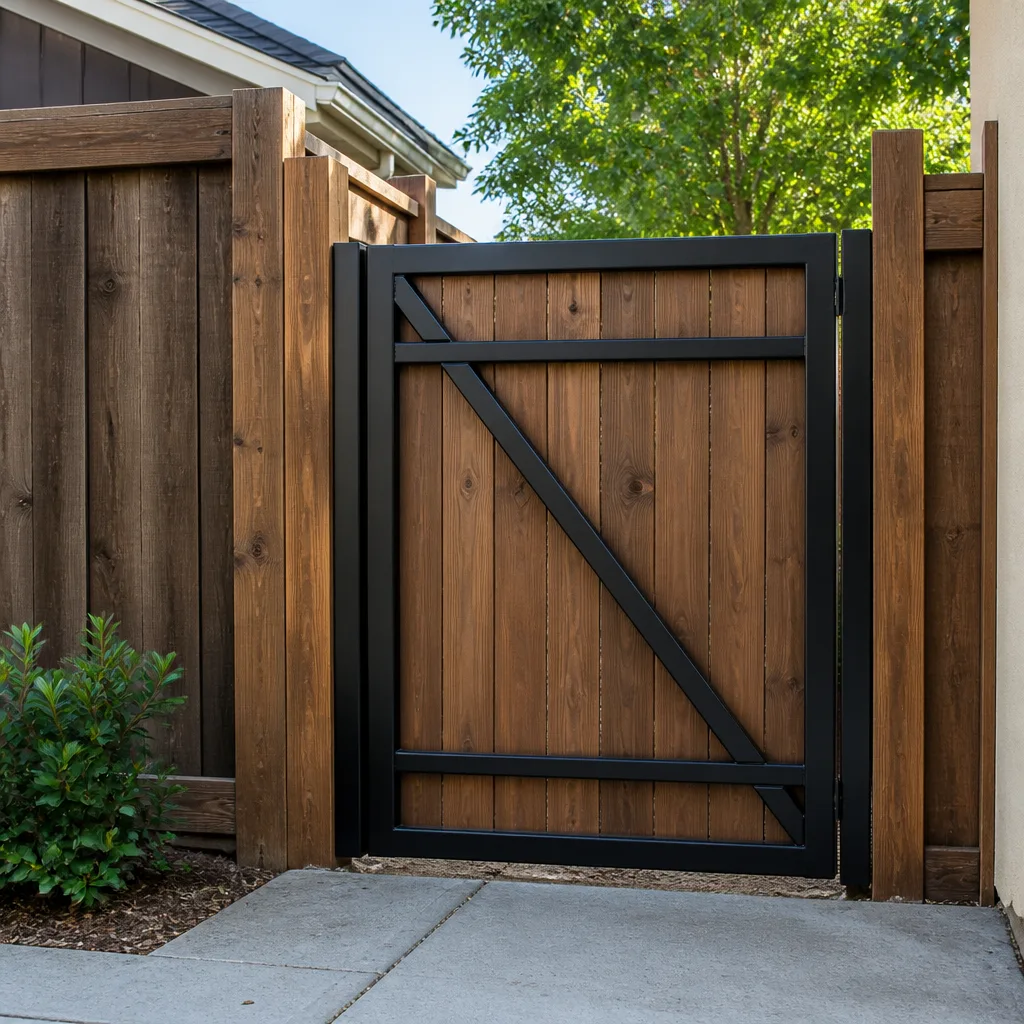 Wood & steel frame
 Farm & ranch
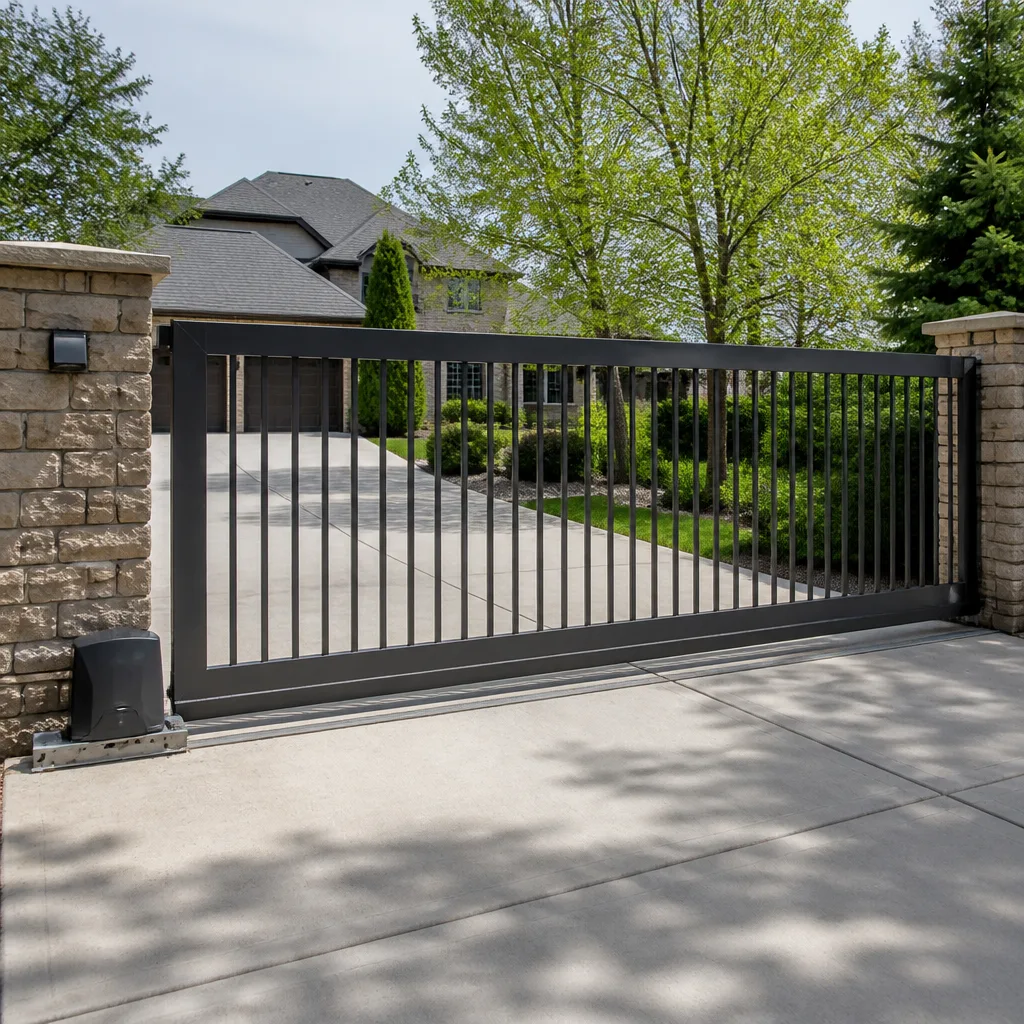 Sliding driveway gates
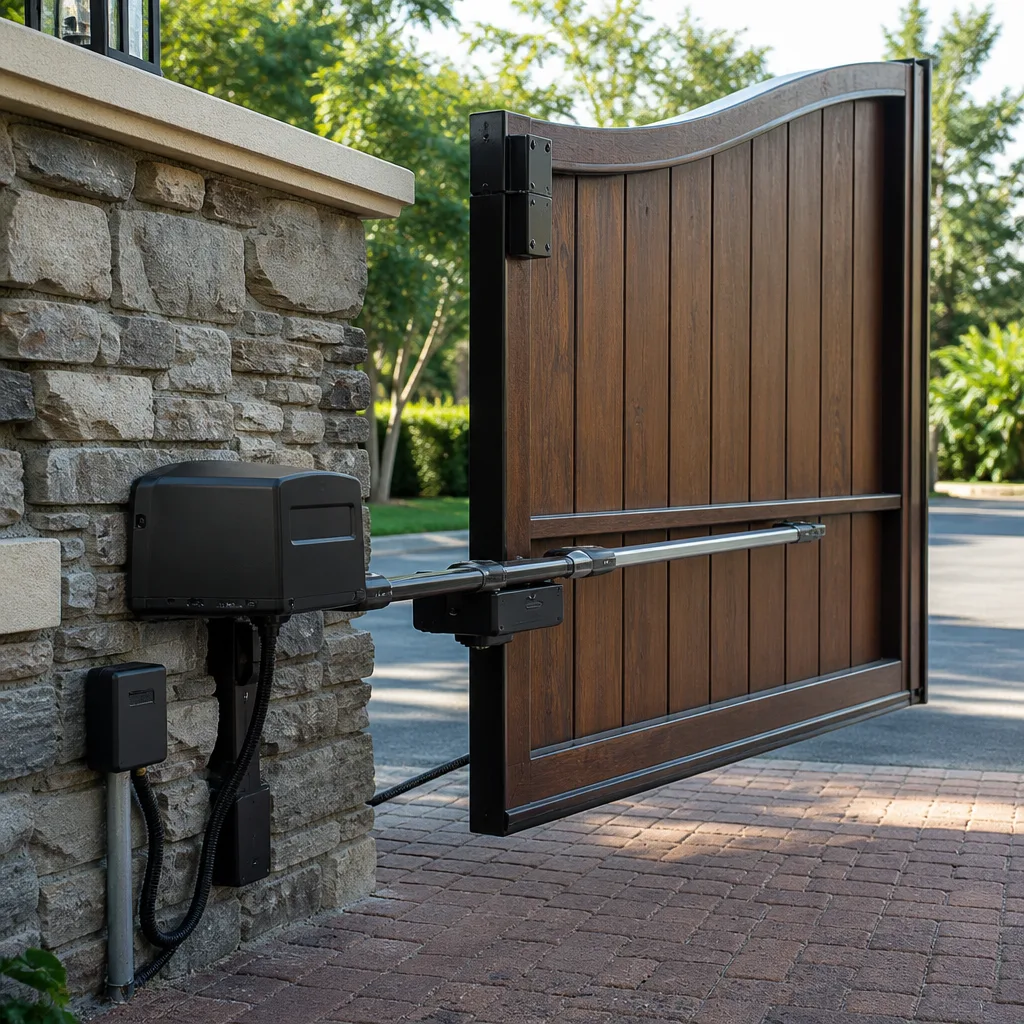 LiftMaster operators
Free on-site gate assessment - hinges, posts, and your LiftMaster or Nice gate operator checked before anything is quoted
The assessment is free and the quote is the invoice.
Get your free estimateGate Repair Warning Signs: A Miami Gardens Homeowner’s Reference Guide
Here’s something that surprises most Miami Gardens homeowners: your gate has been telling you it’s failing for weeks, sometimes months, before it finally quits. A gate that hesitates for two seconds before moving isn’t “warming up” – it’s an operator drawing excess current because something mechanical is fighting it. That hesitation is a diagnostic signal, not a personality quirk. This guide decodes the sounds, behaviors, and error patterns your gate uses to communicate distress, so you can act while the fix is still measured in hundreds of dollars instead of thousands. For more guides & resources, visit our blog. We’ll walk through what each warning sign means, which ones demand same-week attention, and which ones you can safely monitor for another season.
Quick Answer
The most common gate repair warning signs in Miami Gardens are hesitation before movement, grinding or clicking sounds from the operator, visible hinge gap widening or sagging on swing gates, reduced remote range, and intermittent operation. Any of these signals means a component is degrading – and a gate that “sometimes works fine” is actually more urgent than one that’s fully stopped, because intermittent faults point to failing control boards or marginal motors that can fail without further warning. If your gate displays any of these symptoms, schedule our Gate Repair services for a diagnostic before it fails completely.
Styles & brands we work with
Table of Contents
- The Sound Diagnostic Chart: What Your Gate Is Saying
- Operator Error Codes: Decoding LiftMaster, FAAC, and More
- Intermittent Behavior: The Most Dangerous Failure Pattern
- Visual Signals on Swing Gates: Hinges, Sagging, and Ground Drag
- Access Control Red Flags: Keypads, Remotes, and Loop Detectors
- How Miami Gardens Climate Accelerates Gate Wear
- What You Can Check Yourself vs. What Needs a Pro
- Common Mistakes to Avoid
- When to Call a Professional
- Frequently Asked Questions
The Sound Diagnostic Chart: What Your Gate Is Saying
Gate operators have a limited vocabulary – they communicate almost entirely through sound. Once you learn the language, you’ll know within seconds whether you’re dealing with a $12 part or a $900 replacement. Here’s what each sound pattern typically means when we run diagnostics on gates throughout Miami Gardens:
Grinding (Continuous Metallic Scraping)
A continuous grinding sound while the gate moves almost always points to a mechanical issue, not an electronic one. On slide gates, it’s typically the drive chain dragging across a worn sprocket or the gate rollers grinding against a debris-packed track. On swing gates, grinding usually comes from the operator’s internal gear train – specifically the worm gear or planetary gear set – where lubrication has broken down and metal is now contacting metal. This is urgent. Every cycle with that grinding sound is shaving material off a component that will eventually seize.
Clicking (Rapid, Rhythmic, No Movement)
A rapid clicking sound with zero gate movement usually means the operator’s capacitor or relay is trying and failing to start the motor. Think of it like a car battery that’s too weak to turn the starter – the solenoid clicks, but the engine doesn’t turn. On LiftMaster and Linear operators, this often means the start capacitor has failed. On FAAC and BFT hydraulic units, it can indicate a failed motor winding or a seized pump. The fix ranges from a capacitor swap to a full operator replacement, depending on what we find when we open the housing. Either way, continuing to press the remote just repeats the failed start attempt and can damage the control board.
Humming (Low, Constant, No Movement)
A steady humming with no movement tells us the motor is receiving power but can’t turn. This is a stalled motor – either because something mechanical is binding (a bent hinge, a wheel off the track, an obstruction in the travel path) or because the motor itself has failed internally. The critical diagnostic question is whether the gate moves freely by hand when the operator is disengaged. If it does, the operator is at fault. If it doesn’t, the gate structure or track is the problem. Forcing the operator to keep trying against a mechanical bind will burn out the motor in short order.
Grinding Then Stopping (Mid-Cycle Shutdown)
This is the hardest pattern to diagnose from sound alone, because it combines a mechanical symptom with an electronic response. What’s usually happening is this: the operator’s obstacle detection system (a current sensor or an internal encoder) detects the abnormal resistance from the grinding component and triggers a safety reversal or a full shutdown. The grinding is the root cause; the stopping is the operator protecting itself and anything in its path. When we see this pattern on DoorKing or Viking operators in Miami Gardens, the issue is often a track obstruction combined with worn drive components – two problems that mask each other.
Here’s a quick reference table we use internally, and you can use at home:
- Grinding, continuous → mechanical wear (chain, gear train, rollers, track debris) → repair the mechanism
- Clicking, rapid, no movement → failed start capacitor or relay → replace the electrical component
- Humming, constant, no movement → stalled motor from mechanical bind or motor failure → diagnose the obstruction, test the motor
- Grinding, then mid-cycle stop → obstacle detection responding to mechanical resistance → find and fix the root mechanical fault
- Squealing, only when cold or damp → belt slippage or dry bearing → lubricate or replace the belt
Operator Error Codes: Decoding LiftMaster, FAAC, and More
Every modern gate operator has a built-in diagnostic system – and most homeowners never read the manual far enough to learn it. Here’s what your operator’s error codes are telling you before they become a total failure:
LiftMaster LED Blink Sequences
LiftMaster operators use the LED on the control board to communicate fault codes. The most common we see in Miami Gardens are:
- 1 blink → board failure or logic error. Power cycle the operator, and if the code returns, the control board is failing.
- 2 blinks → force or RPM sensor trip. The operator detected abnormal force and reversed. This usually points to a mechanical bind or an obstruction sensor that’s failing.
- 3 blinks → thermal protection active. The motor overheated and shut down for its own protection. In Miami Gardens heat, this is more common than you’d think – but it can also indicate a motor that’s working too hard against a failing bearing.
- 4 blinks → limit switch error. The operator lost track of the gate’s position, which means the gate may fail to close fully or could over-travel and slam the end stop.
FAAC Fault Codes
FAAC hydraulic operators are common on aluminum swing gates in Miami Gardens, and their fault codes are printed on the control board label, not in a manual most people keep. The codes that appear most often before a total failure are:
- Fault 1 → obstacle detection or motor overload. Repeatedly triggering this code means the gate is dragging or binding somewhere.
- Fault 3 → motor or capacitor failure. This is a hard electrical fault in the drive system.
- Fault 5 → photocell failure or obstruction. If the photocells get misaligned or a South Florida afternoon storm knocks them crooked, the gate will refuse to close – and the code tells you why.
Ghost Controls System Warnings
Ghost Controls is popular for DIY and solar-powered installations across Miami Gardens, and the system’s diagnostic beeps are its early warning language. A double-beep on startup usually means the motor is drawing too much current at rest or during startup. A triple-beep typically points to a low-battery condition on solar setups – a signal that your panel isn’t keeping up with the increased cycle load, not just a dead battery.
One thing worth stating plainly: error codes are the operator’s way of telling you something is wrong before it stops entirely. Ignoring a blinking LED and just hitting “reset” over and over is like ignoring a check-engine light. The operator isn’t saying “I’m fine now.” It’s saying “this is still broken, and I’ll tell you again in three days.” We know your gate brand – because we work on all of them – and reading these codes is the first thing we do on any service call in Miami Gardens.
Intermittent Behavior: The Most Dangerous Failure Pattern
Here’s the one that gets homeowners into the most expensive situations: a gate that works fine most of the time, but occasionally refuses to open, opens partially and stops, or closes halfway and reverses for no visible reason.
People tend to shrug this off. “It worked when I tried it again.” “Maybe it’s just the weather.” “Probably my remote battery.”
The truth is more specific, and more urgent: intermittent behavior is the classic signature of a failing control board, a marginal motor winding, or a loose wiring connection inside the operator housing. Unlike a broken chain or a snapped spring – which fail once, visibly, and stay failed – electronic components fail incrementally. A solder joint cracks but still makes contact most of the time. A capacitor weakens but still holds a charge on cooler mornings. A motor winding shorts but only under peak load.
And here’s the real risk: when an intermittent component finally fails for good, it almost never does it while the gate is sitting open and harmless. It fails mid-cycle, or at the worst possible moment – during a storm, late at night, or when you’re trying to leave for work. We see this constantly in Miami Gardens, where gate operators get cycled dozens of times per day, and the cumulative stress eventually finishes the job that a marginal component started months ago.
If your gate’s behavior changes from one day to the next – even if it recovers – get it diagnosed. “Sometimes works fine” is not a working gate. It’s a failing one that hasn’t gone terminal yet.
Visual Signals on Swing Gates: Hinges, Sagging, and Ground Drag
Swing gates fail in slow motion, and the evidence is visible long before the operator gives out. Here are the three structural warning signs to look for on any swing gate in Miami Gardens – and what each one means:
Hinge Gap Widening
Look at the gap between the gate post and the gate frame at each hinge. On a properly hung gate, that gap should be consistent top to bottom, and it should stay consistent when the gate is at rest and when it’s moving. If the gap at the top hinge is wider than the bottom, or if you can see daylight through a gap that used to be tight, the hinge pin is wearing or the hinge bracket is bending. The wider that gap grows, the more leverage the gate applies to the operator – and the harder the motor has to work on every single cycle. This is the root cause behind a lot of operator failures that homeowners blame on the motor.
Sagging at the Latch-Side Corner
Walk to the far end of the gate – the end that swings and latches. The corner should sit at the same height as the hinge side. If it droops, even a quarter of an inch, the hinges are no longer carrying the load. That droop is the structural failure in progress. Left unaddressed, the gate will eventually drag on the ground or slam into the latch post, and the operator will be fighting that extra weight on every open and close cycle. We’ve opened plenty of operators in Miami Gardens where the motor burned out simply because the gate had been sagging for a year and nobody lifted the corner to check.
Ground-Drag Marks
If you see a curved scrape mark in the concrete or pavers where the gate’s travel arc ends, the gate has already dropped enough to drag. This is not a cosmetic issue. A gate that drags is applying constant resistance to the drive system, and the operator’s force limiter has been compensating for it – which means the system is working at the edge of its design capacity every time it cycles. The moment another variable enters (a strong wind, a bit of debris on the track, a slightly weaker capacitor), the whole thing stalls or trips. Ground drag also accelerates hinge wear, because the gate is being supported by the ground at one end and the hinges at the other.
All three of these are structural repair items that should be addressed separately from any operator issue. The gate structure is the foundation everything else depends on – and in our experience, it’s the part homeowners are most likely to overlook because it’s all slow-motion wear and not a sudden breakdown.
Access Control Red Flags: Keypads, Remotes, and Loop Detectors
The operator might be healthy, and the gate structure might be solid – but the access system is failing, and it’ll still leave you stuck outside in the rain. Access control components are the fingers that press the button, and when they degrade, they degrade gradually.
Keypad Lag
A keypad that requires firm, deliberate presses – or one where you sometimes have to enter the code twice – has a failing membrane or a corroding internal contact. This is a $80 to $200 fix if caught early, and we’re able to replace just the keypad face or the internal board without touching the operator. Ignore it, and one day the code simply won’t register at all. We’ve replaced more keypads in Miami Gardens than we can count after a season of afternoon storms corroded the contacts inside.
Remote Range Reduction
If your remote works fine from 30 feet but barely responds from the street, and you’ve already replaced the battery, the issue is almost certainly the receiver – not the remote. On operators with an internal receiver, the antenna may have come loose or the receiver module is degrading. On systems with an external receiver box, the wiring to the control board may be corroding, or the receiver itself is failing. The fix is usually a receiver replacement or antenna repair, not a new remote. The diagnostic clue: if every remote in the household shows the same reduced range, it’s the receiver.
Loop Detector False Triggers
If your gate opens on its own when nothing is on the pad, or opens for a car leaving when no car is present, the loop detector is false-triggering. A properly functioning loop detector only triggers when a large metal object (a car) passes over the buried loop. False triggers happen when the loop wire gets damaged, when groundwater shifts and changes the loop’s frequency, or when the detector’s sensitivity is set too high for the site conditions. In Miami Gardens, with our water table and frequent rain, loop detector drift is a known issue – and it’s a control board-level diagnostic, not a mechanical fix.
What unites all three of these symptoms: they point to failing access-system components, not to the gate itself. We diagnose the system, not just the symptoms – because replacing a remote when the receiver is dead just means you’ll replace the remote again in six months.
How Miami Gardens Climate Accelerates Gate Wear
South Florida doesn’t have seasons the way the rest of the country does – but gates wear out faster here, and the reason is in the air and the pavement. For detailed maintenance timing, see our Seasonal Gate Repair Care for Miami Gardens: Year-Round Homeowner’s Guide.
Heat and Humidity
Gate operators are designed with a thermal envelope: they can operate safely within a certain ambient temperature range. Miami Gardens spends months at the upper edge of that range, and the inside of an operator housing can run 20 to 30 degrees hotter than the outside air. That heat accelerates capacitor aging, dries out lubricants, and pushes the motor windings closer to their thermal limit on every cycle. It’s why capacitors fail more often here than in cooler climates – and why thermal protection codes (that LiftMaster 3-blink sequence) show up on particularly hot afternoons.
Salt Air and Corrosion
Miami Gardens isn’t directly on the beach, but the coastal air pattern pushes salt-laden humidity inland, and the result is accelerated corrosion on exposed metal – hinge pins, limit switches, wiring terminals, and motor shafts. A galvanized hinge that lasts 20 years in a dry climate might start binding in 8 to 10 here. The practical takeaway: check your hinge pins for rust or crustiness at least twice a year. If the gate swings with any resistance by hand, the pins and bushings need attention before the operator does.
Storm Debris and Standing Water
After a hard afternoon thunderstorm – the kind Miami Gardens gets dozens of times each summer – slide gates in particular pick up leaf debris, pine needles, and gravel in the track. The gate then works against that debris on every cycle, which accelerates wheel bearing wear and puts extra load on the operator. Standing water is a separate issue: low-mounted control boards and motors can get flooded if drainage around the gate post is poor, and that’s a catastrophic failure rather than a gradual one. After a major storm, clear your track, and if the operator housing ever sits in water, kill the power and call for service before anything gets cycled.
What You Can Check Yourself vs. What Needs a Pro
Some diagnostics are safe for a homeowner to perform. Some are not. Here’s the line we draw, and we draw it for a reason:
Safe to Check Yourself
- Visual inspection of hinges and gap width. Walk the gate, look at the gaps, compare sides. If you can see visible sagging or widening, you’ve found a real issue. Write down what you see, and call for a diagnostic.
- Track cleanliness on a slide gate. Look for debris, leaves, gravel, or buildup. Clear it with a broom or leaf blower. This is maintenance, not repair.
- Remote battery replacement. If the range is declining and the remote is more than a year old, swap the battery and re-test before you assume anything more serious. It’s a $3 experiment.
- Photocell alignment check. If the gate refuses to close, look at the photocells near the ground on either side of the gate opening. Are they pointed at each other? Loose? Dirty? If so, clean them and tighten the mount. If the problem persists, the issue is elsewhere.
- Obstruction check. Look for anything in the gate’s travel path – branches, children’s toys, parked vehicles. Modern operators have safety reversal systems, but not all do, and a visible obstruction is always worth ruling out first.
Not Safe to Check Yourself
- Internal operator wiring or control boards. Operators contain capacitors that hold a charge even when unplugged. An energized capacitor can deliver a serious shock. This is sealed-box territory for a trained tech.
- Hydraulic systems on FAAC and BFT operators. Pressurized fluid and sharp metal edges. Not a DIY item.
- High-tension components and spring assemblies. Some gate designs use tension mechanisms that can release suddenly. If you’re not certain how the mechanism works, leave it alone.
- Loop detector diagnostics. This requires specialized equipment and wiring knowledge. It’s not something you can troubleshoot with a multimeter and a quick search.
Our honest recommendation: if the issue you’re seeing appears in this guide, the smart move is to call for a diagnostic. We’re happy to walk through the symptom with you on the phone and help you figure out whether it’s urgent or can wait. The Miami Gardens Gate Repair home page has our contact information, and estimates are free.
Common Mistakes to Avoid
- Resetting the breaker instead of reading the code. Every time you power-cycle the operator to clear a fault, you’re erasing the diagnostic information that would tell a technician exactly what’s wrong. Write down the code or blinking pattern before you reset anything.
- Lubricating a grinding gate. If the gate is grinding, the wear has already occurred. Adding grease doesn’t reverse it – it just quiets the symptom while the component continues to degrade underneath. Diagnose first, lubricate only as part of a fix.
- Ignoring intermittent operation because it “fixed itself.” Intermittent behavior is progressive. Next time may be the last time. The fact that it recovered doesn’t mean the underlying fault is gone.
- Replacing remotes before testing the receiver. If both remotes show reduced range, the problem is the receiver, not the remotes. Don’t spend money on new remotes until the receiver has been tested.
- Adjusting gate travel limits to compensate for sag. It’s tempting to adjust the open and close limits so the gate still “works” despite the sag. But that’s training the operator to live with a structural problem, and it puts extra torque on every cycle. Fix the hinges, then re-set the limits.
- Running the gate after a flood event. If the operator housing sat in water, don’t test it. Water and control boards don’t mix, and cycling the system can send a surge through the board and turn a $150 repair into a $600 replacement.
- Assuming the operator is the problem when the gate drags. A dragging gate will eventually kill any operator you put on it. Diagnose the whole system, not just the motor.
When to Call a Professional
Call for a professional diagnostic if: the gate grinds continuously or grinds and then stops mid-cycle; the operator clicks or hums without moving the gate; the gate shows a recurring error code even after a proper power cycle; the gate operates intermittently for more than two weeks; the gate visibly sags or drags on the ground; the remote range has declined across multiple remotes; or the keypad requires multiple attempts to register the code. These are the signals your gate uses to say “I need attention” – and the earlier you respond, the cheaper the repair. See How to Hire a Gate Repair Contractor in Miami Gardens: A Step-by-Step Guide to choose the right professional.
Miami Gardens Gate Repair offers free estimates in Miami Gardens – call (855) 382-0732. If you’re looking for a Gate Repair in Miami Gardens, we’ll diagnose the specific symptom, tell you honestly whether it’s a $75 fix or a full replacement, and quote a price before any work starts.
Frequently Asked Questions
Gate repair in Miami Gardens typically ranges from $120 to $650 depending on the component. A capacitor or limit switch replacement usually falls between $80 and $200, a control board repair or replacement runs $250 to $600, and a full operator replacement can run $900 to $2,500 installed. The only way to get an exact number is a diagnostic – we quote the repair before any work starts. Call (855) 382-0732 for a free estimate.
Most noisy gates can be repaired without replacing the operator. Grinding from a worn gear or chain tensioner, clicking from a failed capacitor, and humming from a mechanical bind are all repairable conditions. The operator only needs replacement when the motor itself has failed or the control board has sustained damage that can’t be economically repaired. We’ll tell you which one you actually need after the diagnostic.
A gate that opens but refuses to close almost always means the safety system – photocells, edge sensors, or the loop detector – is detecting an obstruction or has failed. The operator’s logic says “something is in the way” and refuses to run the close cycle. The fix is usually a photocell realignment or replacement, not an operator problem at all.
Intermittent gate operation is typically a failing control board, a marginal motor winding, or a loose internal connection. It is not normal behavior, and it won’t fix itself – intermittent faults are progressive, and they usually become permanent at the worst possible moment. Schedule a diagnostic as soon as the pattern appears.
A well-maintained gate operator in Miami Gardens typically lasts 7 to 12 years, with the lower end of that range driven by heat, humidity, and salt-air corrosion, which accelerate component aging compared to cooler climates. Regular maintenance – hinge lubrication, track clearing, and prompt repair of warning signs – extends the upper end of that range. If your operator is past the 10-year mark and showing multiple symptoms, replacement may be more cost-effective than repair.
We service equipment from LiftMaster, FAAC, BFT, Linear, Viking, Ghost Controls, DoorKing, Elite, and Mighty Mule – covering virtually every operator you’re likely to own. We’re equally comfortable with hydraulic FAAC and BFT swing gate systems and belt-driven LiftMaster slide operators, and we carry parts knowledge that spans the brands rather than trying to sell you a full replacement when a $40 component fails. For specifics on Electric Gate Repair in Miami Gardens, call (855) 382-0732.
The Bottom Line
Gates communicate failure before they fail completely, and the difference between a $120 fix and a $1,500 replacement comes down to whether someone was listening. That hesitation before movement, the grinding that comes and goes, the sagging corner you noticed but forgot, the remote that barely works from the street – these aren’t quirks. They’re diagnostic signals. Learn the sounds your gate makes. Check the hinges and the track twice a year. Read the error codes before you reset them. And when a signal appears, act on it – because in Miami Gardens, where heat and humidity accelerate every wear pattern, a warning sign honored this month beats a gate that won’t open next month. For a free estimate or a same-week diagnostic, call (855) 382-0732 or visit our Gate Installation in Miami Gardens page to see the full range of what we do.
Written by the team at Miami Gardens Gate Repair, serving Miami Gardens since 2012.
See the difference
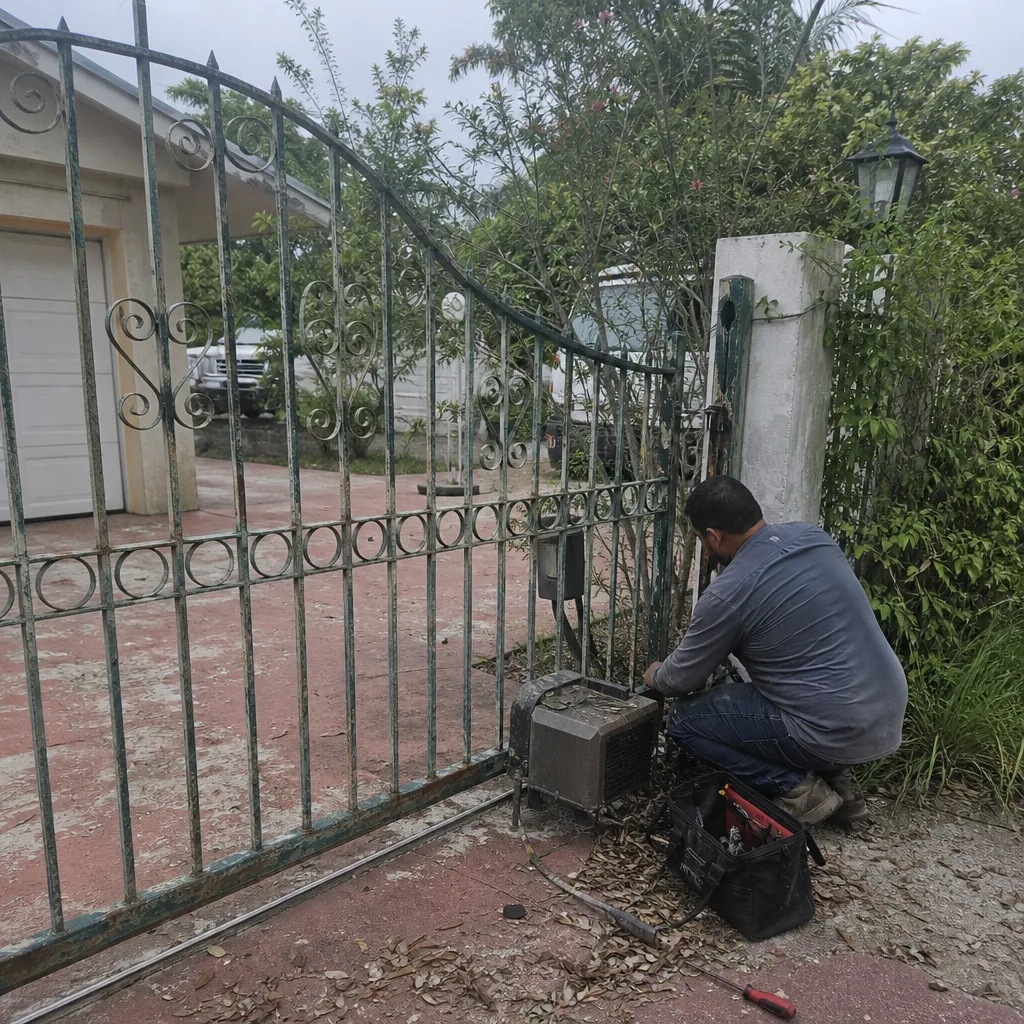 Before
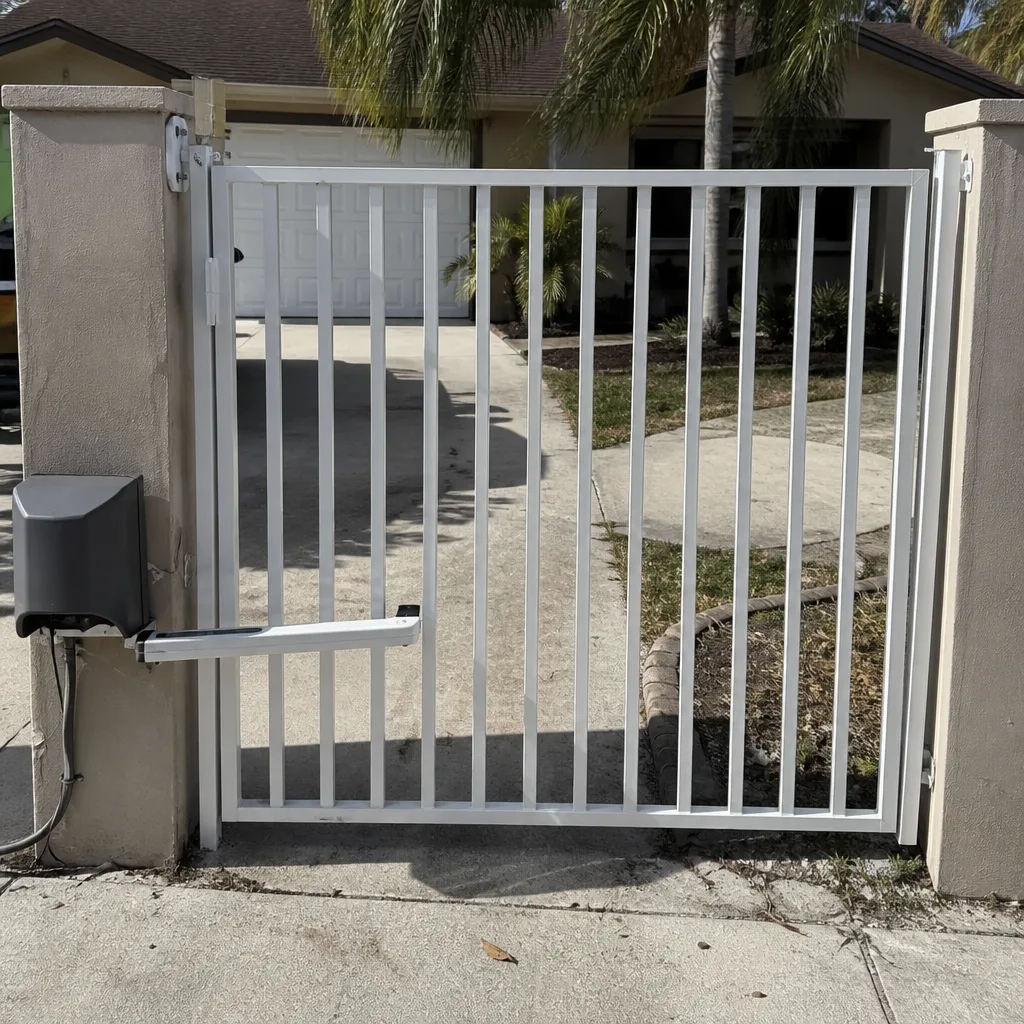 After
After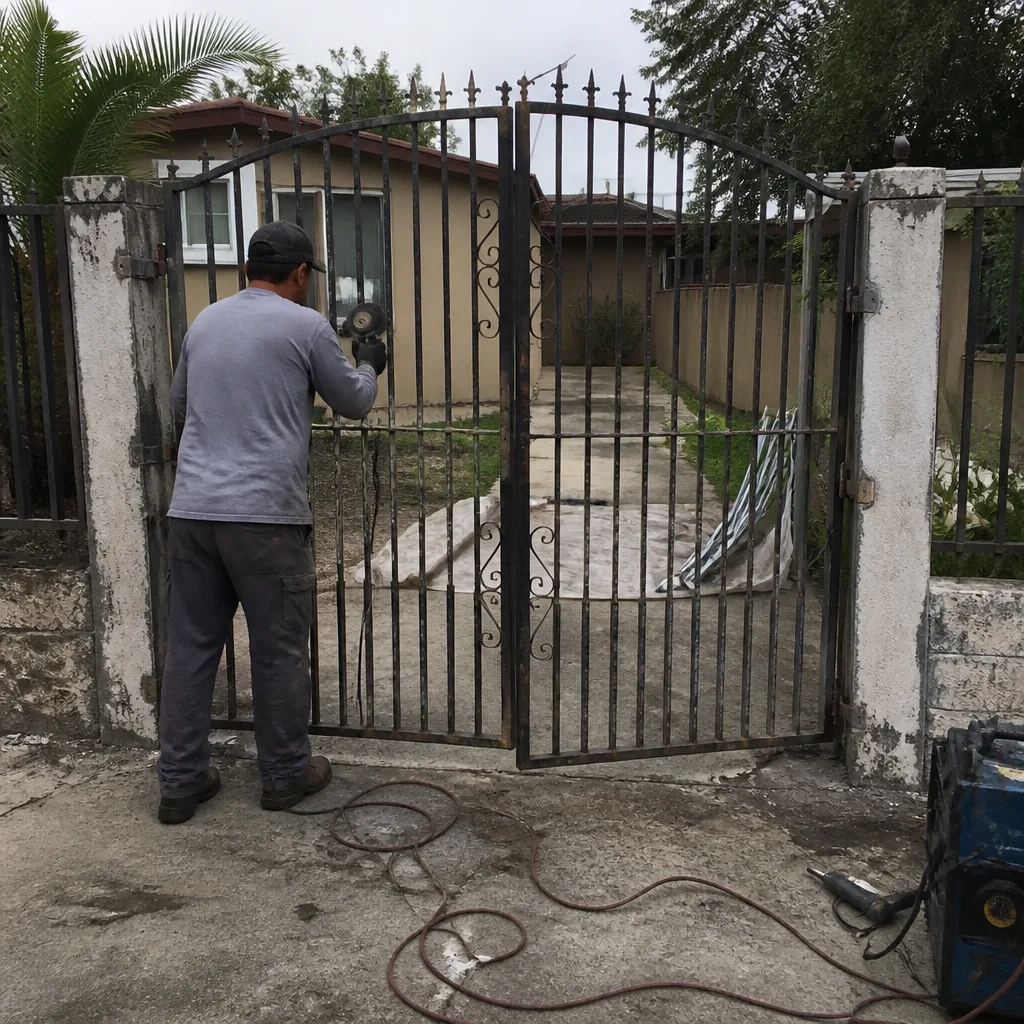 Before
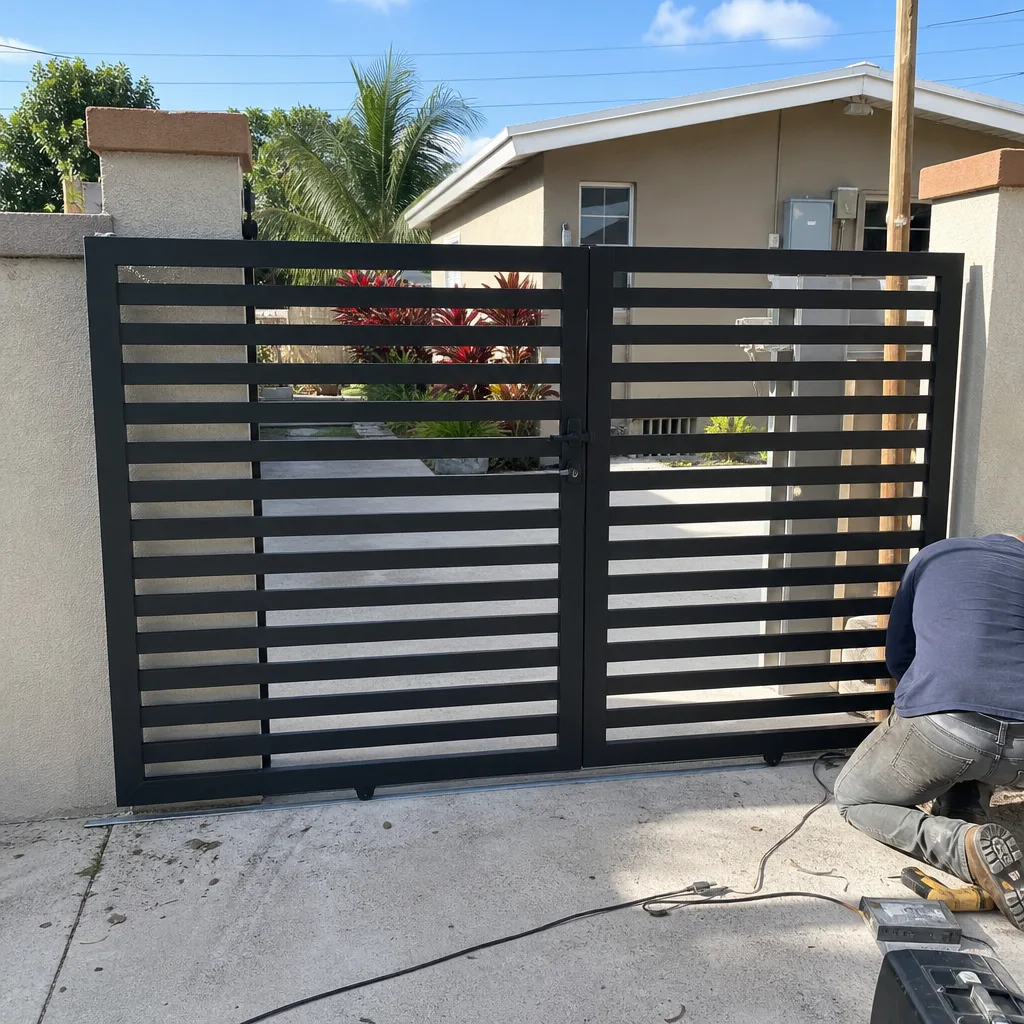 After
After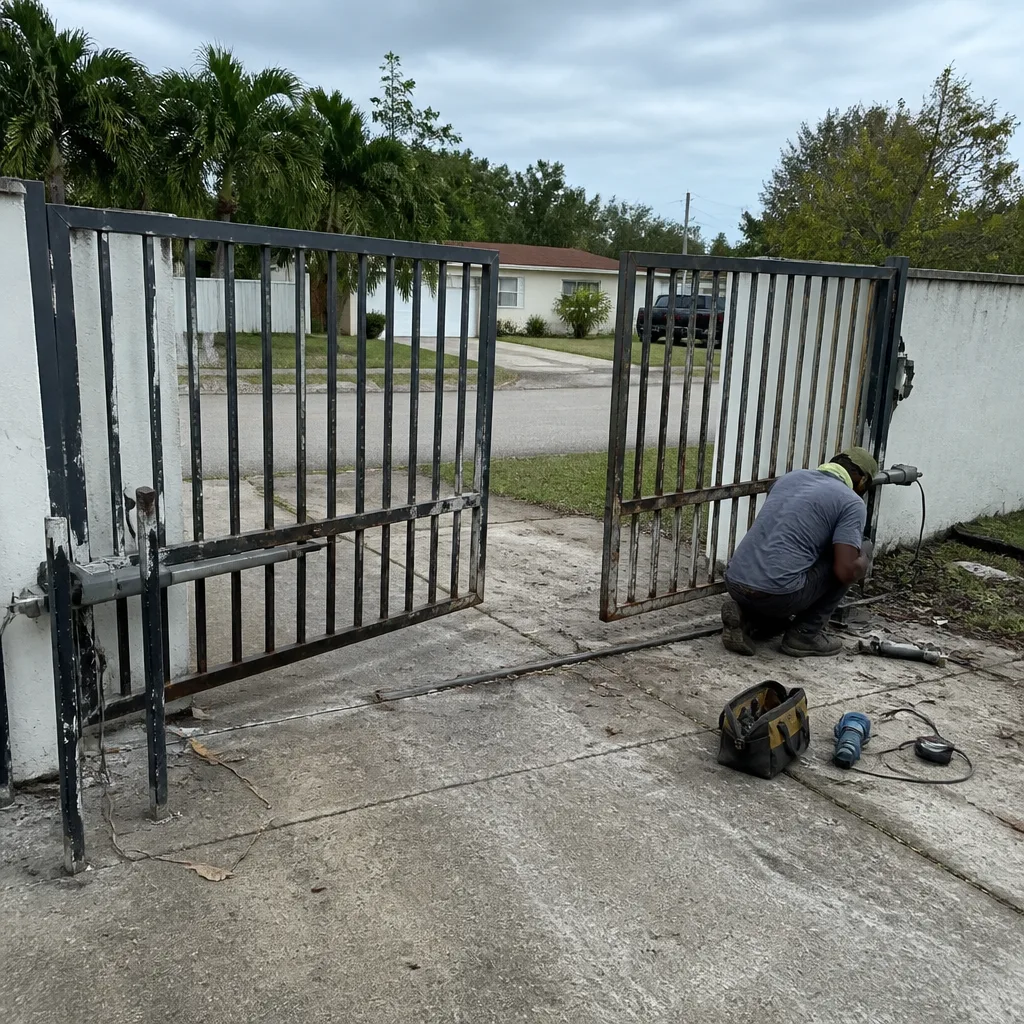 Before
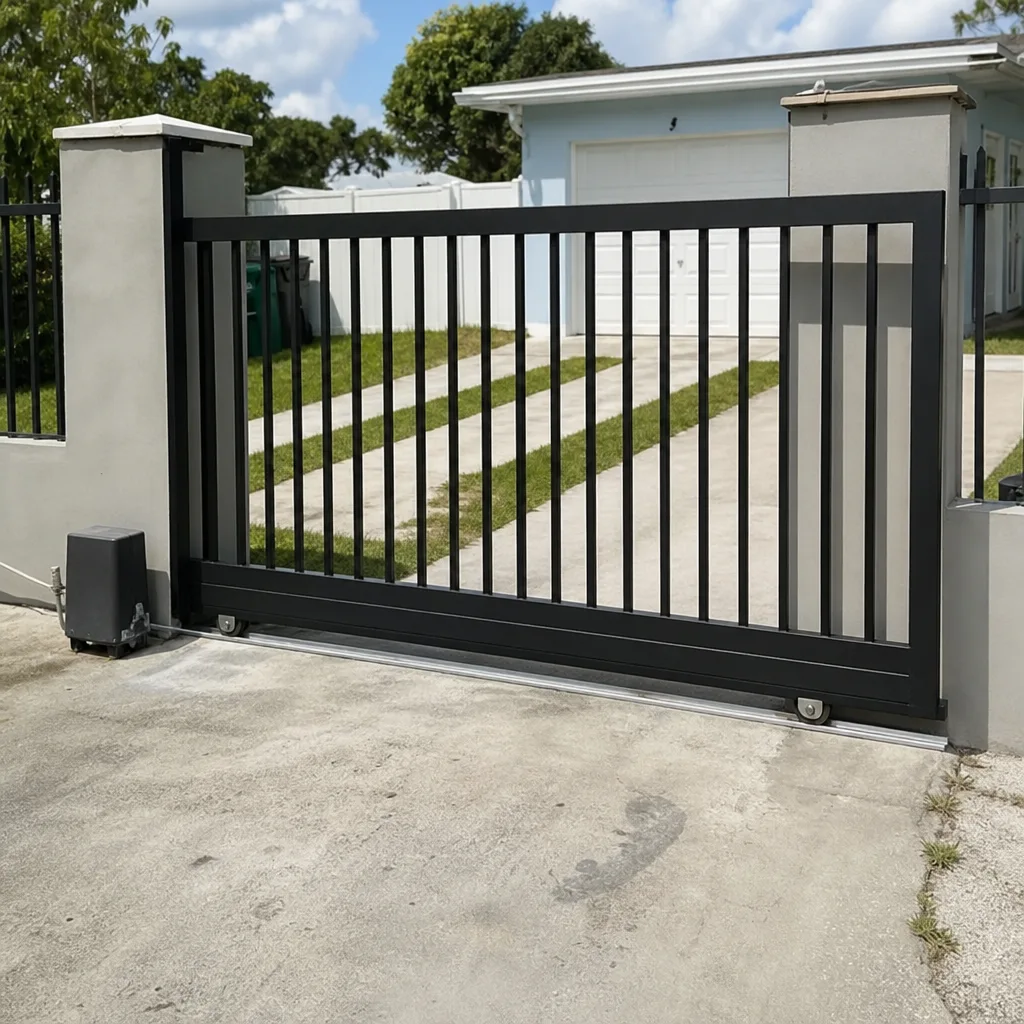 After
After