
Last updated October 30, 2026
 Wrought iron
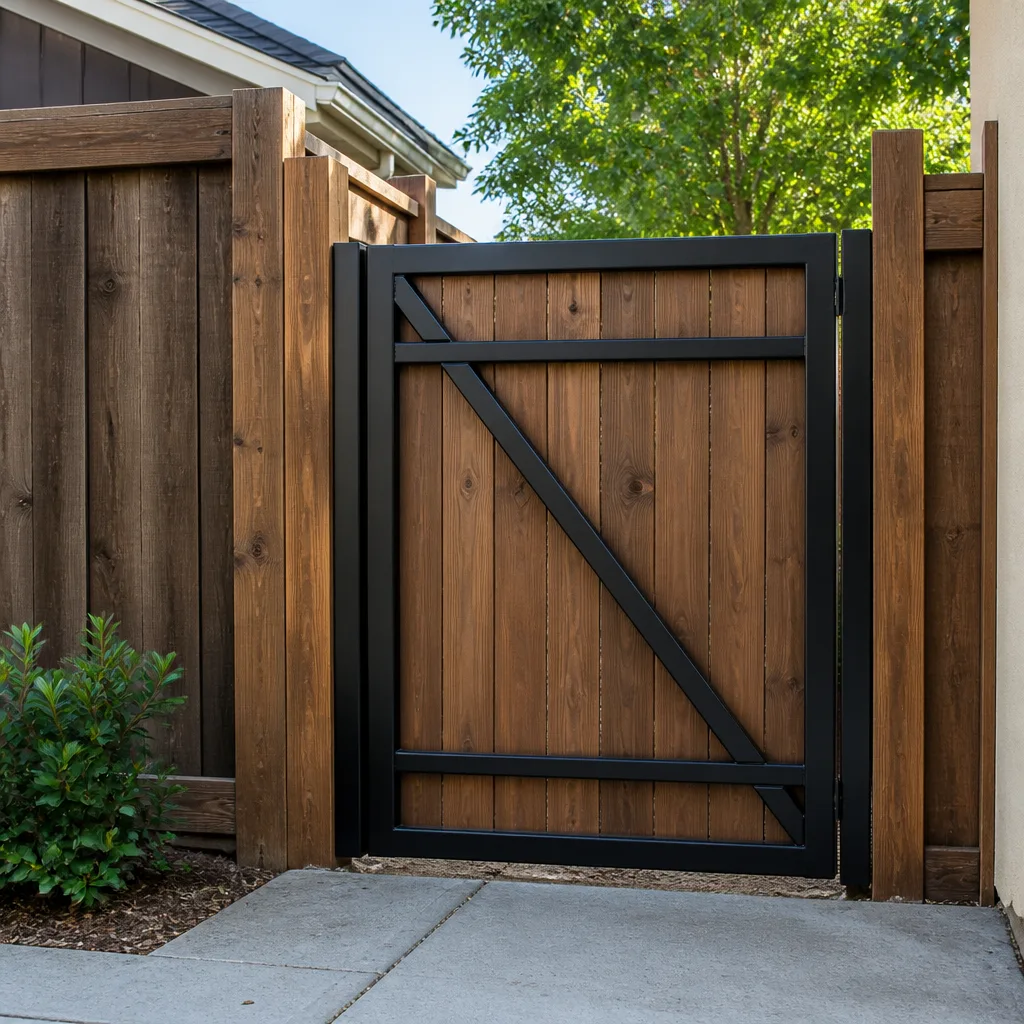 Wood & steel frame
 Farm & ranch
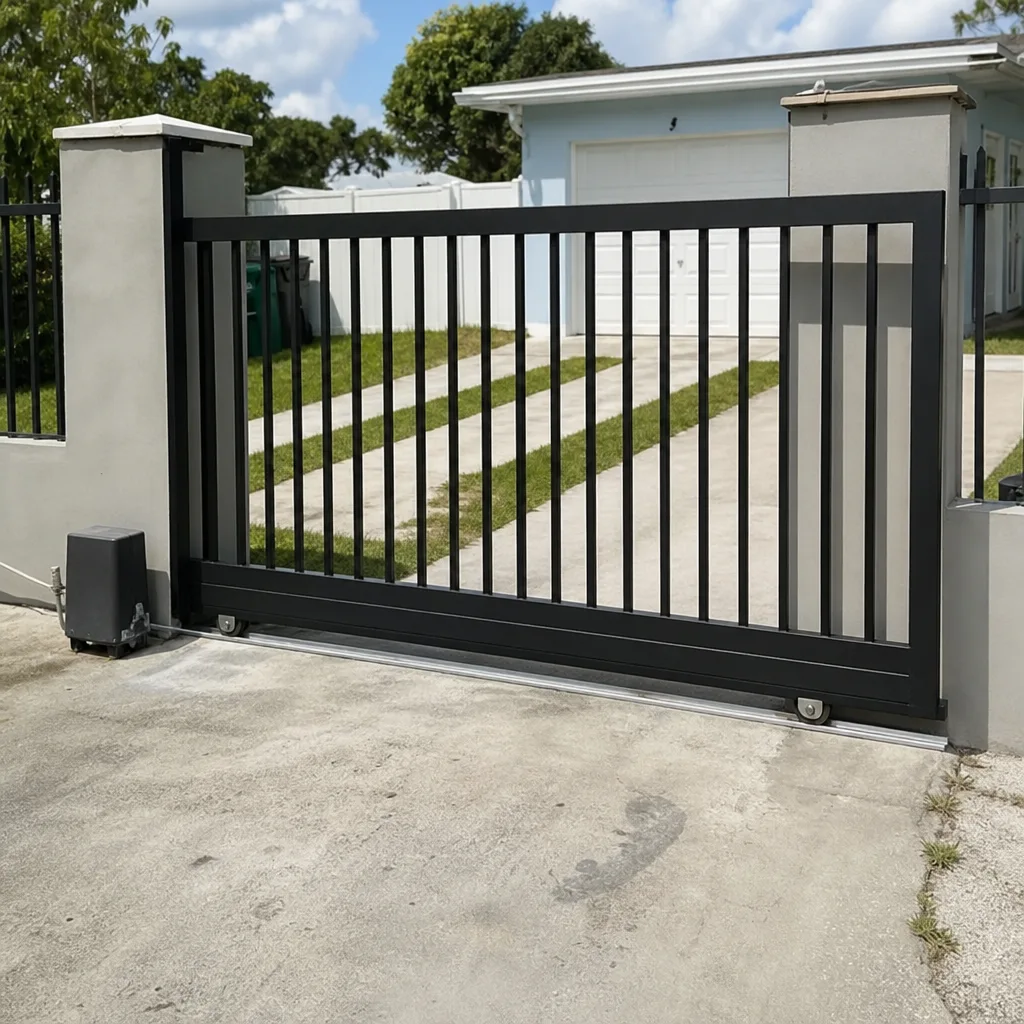
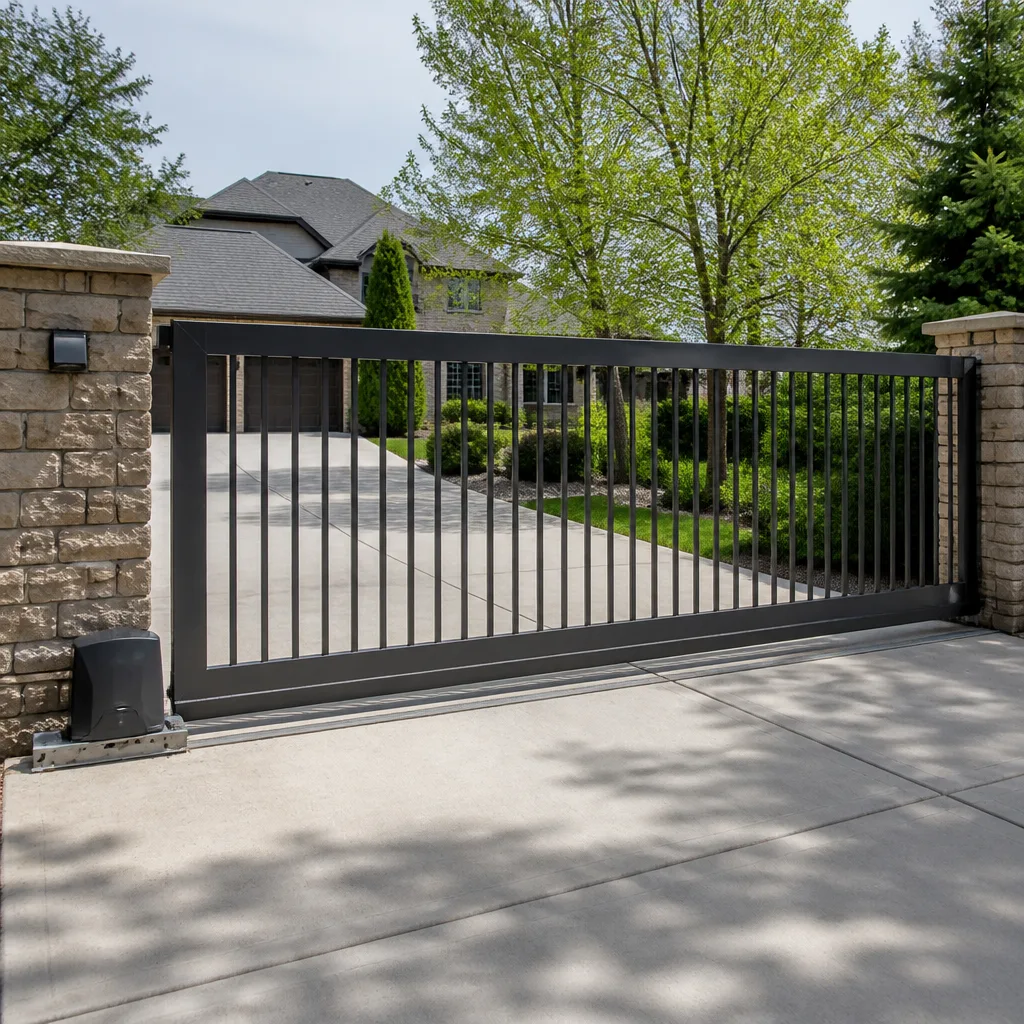 Sliding driveway gates
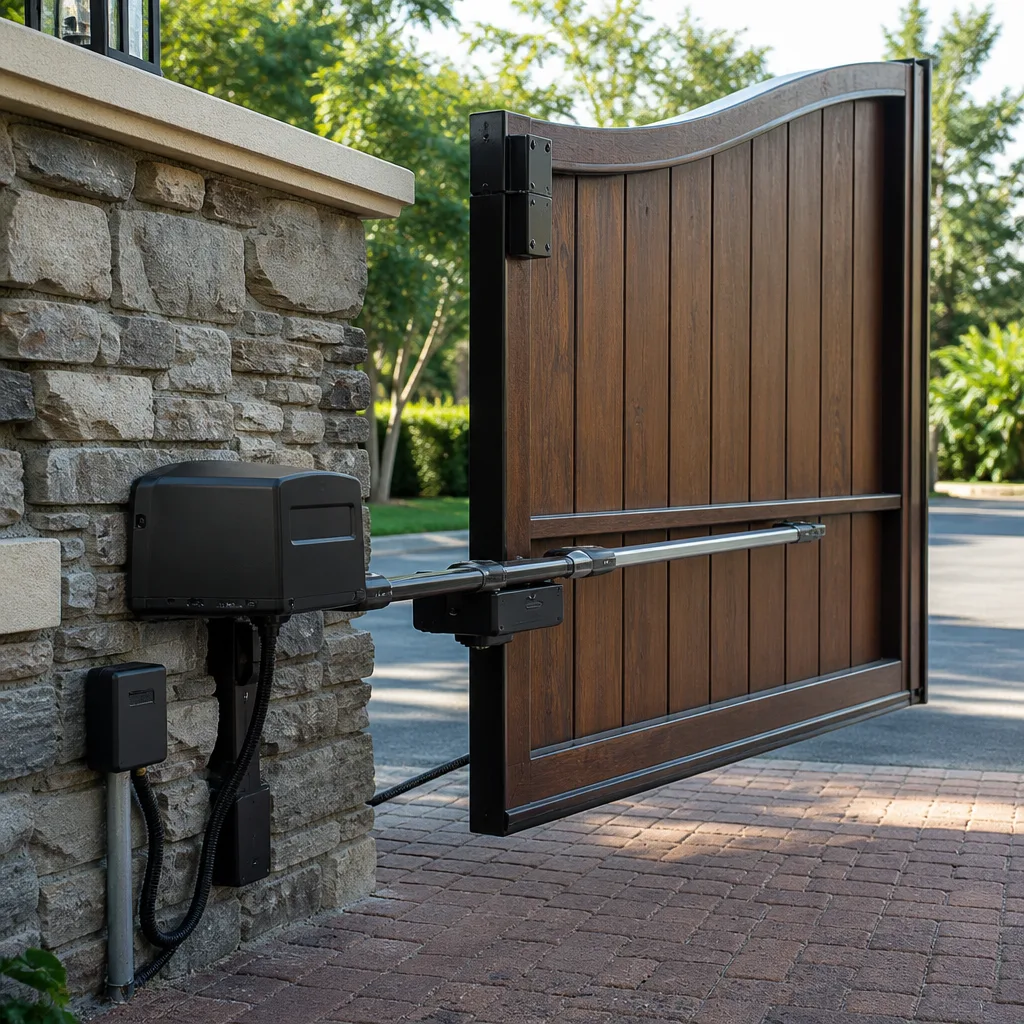 LiftMaster operators
Free on-site gate assessment - hinges, posts, and your LiftMaster or Nice gate operator checked before anything is quoted
The assessment is free and the quote is the invoice.
Get your free estimateGate Repair Troubleshooting: Common Problems and How to Fix Them
If your gate reverses before it fully opens, most homeowners assume the motor is failing. It’s almost never the motor – it’s a miscalibrated force limit, a dirty photo-eye, or a buried loop detector picking up rebar. Replacing a $400 operator when a $12 sensor cleaning would have fixed it is the most expensive mistake in gate repair. This guide walks you through the symptom-first diagnostic process our Gate Repair services technicians use in Miami Gardens every week, mapping each specific behavior to the exact component responsible so you can make an informed repair decision instead of guessing.
Styles & brands we work with
Quick Answer
Most gate repair problems fall into five fault categories: power supply issues, misaligned or obstructed limit settings, failing safety sensors or loop detectors, mechanical wear on hinges and wheels, and control board malfunction. The symptom tells you which one you’re dealing with – a gate that reverses mid-travel points to force settings or sensors, a gate that won’t respond at all points to power or a dead control board, and a gate that grinds points to mechanical wear. Start with the cheapest, simplest component first and work your way up before replacing an operator.
Table of Contents
- The Symptom-First Diagnostic Tree: Reading Your Gate’s Behavior
- Gate Reverses Mid-Travel: Why Your Safety Sensors Are the Usual Suspect
- Gate Won’t Respond to Remote or Keypad: The Power and Board Question
- Gate Opens But Won’t Close: Loop Detector and Photo-Eye Failures
- Grinding, Grating, or Slamming: Mechanical Wear and Tear
- Gate Works Intermittently: Wiring, Connections, and Corrosion
- Reading Error Codes and Blink Sequences on Common Operators
- Reset the Operator or Replace the Board: How to Tell the Difference
- Common Mistakes to Avoid
- When to Call a Professional
- Frequently Asked Questions
- The Bottom Line
The Symptom-First Diagnostic Tree: Reading Your Gate’s Behavior
Ninety percent of gate service calls stem from five fault types, and most homeowners misdiagnose them because the symptoms overlap. A gate that reverses unexpectedly looks like an operator fault but is usually a safety loop or obstruction sensor issue. Before you touch anything, stop and observe exactly what your gate does – not what you think it should do. This is the difference between a $15 fix and a $400 mistake.
Here is the diagnostic tree we use in Miami Gardens every day, mapped from behavior to likely component:
Behavior 1: Gate reverses before reaching full open or full close
- Most likely: Obstruction sensor (photo-eye), force limit set too low, or loop detector false-triggering.
- Less likely: Physical obstruction on the track, failing capacitor, or worn gearbox causing excessive current draw.
- First check: Are the photo-eye lenses clean and aligned? Is there debris, sand, or vegetation in the gate’s path?
Behavior 2: Gate does nothing when you press the remote or keypad
- Most likely: Power interruption (tripped breaker, GFI, disconnected battery backup) or control board in lockout mode.
- Less likely: Failed receiver module, dead keypad battery, or blown fuse on the board.
- First check: Does the operator have any LED lit at all? If not, trace power before touching anything electronic.
Behavior 3: Gate opens but won’t close
- Most likely: Photo-eye beam is blocked, misaligned, or dirty – or the close limit switch has failed.
- Less likely: Loop detector stuck in “vehicle present” mode, wireless safety edge failure, or control board relay fried.
- First check: Cover the photo-eye receiver and see if the gate responds. If it still won’t close, the issue is at the board.
Behavior 4: Gate moves but makes grinding, scraping, or banging noises
- Most likely: Mechanical wear – worn rollers, dry hinges, bent track, or failing gearbox.
- Less likely: Motor bearing failure, loose chain or belt tension, or rusted pivot points.
- First check: Visually inspect all moving metal parts. Look for shiny wear marks, rust dust, or sagging chain.
Behavior 5: Gate works sometimes, fails other times
- Most likely: Loose terminal connection, corroded wire splice, or failing transformer – not the operator itself.
- Less likely: Intermittent control board failure (rare but possible), radio interference on the receiver, or thermal overload.
- First check: Wiggle-test wiring at terminal blocks and splice points while someone presses the remote.
Miami Gardens humidity accelerates corrosion on exposed connections. We see more intermittent-fault calls in August than any other month because salt air and moisture do exactly that – degrade contacts slowly until they fail unpredictably. If your gate acts up mostly after rain or heavy humidity, the wiring is your prime suspect.
Our Gate Repair in Miami Gardens service starts with this same diagnostic tree. It saves time and money.
Gate Reverses Mid-Travel: Why Your Safety Sensors Are the Usual Suspect
When a gate reverses before reaching its limit, about 70% of the time the problem is the safety system, not the motor. Specifically, the obstruction photo-eyes or a force limit that is set too sensitive. Here is how to isolate the exact cause without replacing anything blindly.
Step 1: Check the photo-eyes for dirt and misalignment
Photo-eyes are small infrared sensors mounted near the ground on either side of the gate opening. They send an invisible beam across the path. When that beam is broken or weakened by dirt, the gate thinks something is in the way and reverses as a safety response. In Miami Gardens, we see this constantly: dust, lawn clippings, even spiders building webs across the lens. Wipe both lenses with a dry cloth. Check that the receiver LED is solid, not flickering. A flickering LED means the beam is marginal – the sensor sees it sometimes, not always.
Step 2: Check the force limit setting
Every automatic gate operator has a force adjustment – a potentiometer, DIP switch, or digital setting that tells the board how much current the motor may draw before it assumes something is blocking the gate. If the setting is too low, the gate reverses under normal operating load. This is especially common after a gate has been re-hung or a hinge replaced, because the mechanical load changes. If your gate reverses at the same spot every time and you’ve ruled out photo-eye obstruction, the force limit needs recalibration. This is a five-minute job with a screwdriver on most LiftMaster and Linear operators.
Step 3: Test the safety loop
If your gate has a buried loop detector – a wire loop cut into the driveway that detects vehicles – a false trigger will cause the same reverse symptom. The three-point loop test is simple. First, power the loop detector off completely and try to operate the gate. Second, if the gate works normally with the loop disconnected, the loop or its detector is the problem, not the operator. Third, check the loop detector LED: solid red typically means vehicle detected, solid green means clear. A loop that shows “detected” with no vehicle present is picking up interference – rebar in the concrete, underground power lines, even a neighbor’s gate loop too close to yours.
We can’t count how many times a Miami Gardens homeowner has called us certain their operator was dead, only for us to find a photo-eye caked in grass clippings or a loop detector picking up the new driveway rebar. Before you spend money, spend ten minutes checking sensors.
Gate Won’t Respond to Remote or Keypad: The Power and Board Question
A completely unresponsive gate is either a power problem, a receiver problem, or a control board problem. Here is how to tell which one you have in under fifteen minutes.
Check the operator’s status lights
Every operator we work on – LiftMaster, FAAC, BFT, Linear – has an onboard status LED or display. If that LED is completely dark, the board is not receiving power. Check the breaker, check for a GFCI that has tripped, and check the power switch on the operator itself. If you have a battery backup system, test whether the operator runs on battery. If it does, your primary power circuit is the fault. If it doesn’t, you have a board-level failure.
Test the remote and receiver separately
A keypad or remote that doesn’t work could be a dead battery in the transmitter, a failed receiver module on the board, or a programming issue. Replace the remote battery first – it’s the cheapest possible fix and solves about a quarter of the “dead gate” calls we get. If the keypad is hardwired, check that the keypad wires are still firmly connected at the operator terminal strip. Vibration and humidity loosen terminals over time; Miami Gardens weather accelerates this.
Look for board lockout indicators
Most modern operators have a diagnostic sequence when the board enters alarm or lockout mode. A LiftMaster unit, for example, may blink its diagnostic LED in a specific pattern – three blinks, pause, three blinks – indicating a specific fault. FAAC boards display an error code on the LCD when present. Before you assume the board is dead, find the LED or display and observe the pattern. A board that is in lockout can often be reset with a power cycle or a specific button sequence. A board that is genuinely dead will show no lights at all even when you confirm power is reaching the terminals.
For electric gate systems in particular, we recommend you check the obvious before calling for Electric Gate Repair in Miami Gardens. A tripped GFCI or a dead keypad battery isn’t worth the service-call cost.
Gate Opens But Won’t Close: Loop Detector and Photo-Eye Failures
This is the most frustrating symptom for homeowners because the gate clearly has power and the motor clearly works – it just won’t finish the cycle. In our experience, the cause is almost always in the safety circuit that prevents gate closure.
The photo-eye close circuit
On most automatic gate systems, the photo-eye beam must be unbroken for the gate to close. If the beam is obstructed – by a car parked too close, a package left near the gate, a branch, or even heavy rain interfering with the beam – the board will refuse the close command. Check that the receiver eye shows a solid green light. If it shows red, the beam is broken. Clean the lenses, adjust the alignment so the sender and receiver point directly at each other, and try again.
The loop detector “vehicle present” fault
A buried vehicle loop that thinks a car is sitting on it will keep the gate open indefinitely. This is a common Miami Gardens issue after heavy rains, when groundwater changes the loop’s electrical characteristics. The loop detector will typically show a red LED, indicating detection. If no vehicle is present but the light remains red, the detector needs adjustment or replacement – not the whole operator. Many boards also have a “close override” or force-close function that can be programmed to bypass a stuck loop, but we caution against doing this unless you understand the safety implications. A bypassed loop detector means the gate could close on a car.
Wireless safety edges
If your gate has a wireless safety edge – the rubber strip on the leading edge that reverses the gate when it contacts something – a dead battery or failed transmitter inside the edge can prevent closure. The board thinks the edge has been triggered and refuses to close as a safety measure. Replacing the edge battery or syncing the edge transmitter usually resolves this.
The pattern to remember: if the gate opens normally but refuses to close, something in the safety chain is telling the board “not safe to close.” Find the component doing that, and you’ve found your repair.
Grinding, Grating, or Slamming: Mechanical Wear and Tear
Electric gate systems have two halves: the electronic brain and the mechanical body. The electronics fail suddenly. The mechanical parts fail gradually, over years, and they make noise the whole way down. Learning to listen tells you what is about to fail.
Sliding gates: rollers, track, and chain
A sliding gate that grinds as it moves usually has worn rollers or a bent track. The rollers are the gate’s load-bearing points, and they take a beating in Miami Gardens – sand, humidity, and consistent use wear them flat. When a roller goes flat, the gate rides unevenly on the track and the motor has to work harder. You’ll hear a grinding or scraping sound and may see the gate shudder as it moves. Repacking rollers is a maintenance item, not a repair – most sliding gates need rollers checked every two to three years. A sagging or loose drive chain makes a different sound: a rattle or slap, especially when the gate starts and stops. Chain tension is adjustable on most LiftMaster and Linear sliding operators.
Swing gates: hinges, pivot points, and actuators
A swing gate that squeals or groans at the hinge points is crying for lubrication or replacement. Rust and sand combine to destroy hinge bushings quickly in coastal climates. A gate that sags and drags on the ground has worked its hinges loose or bent them – this puts excessive load on the operator and shortens motor life dramatically. On FAAC and BFT swing operators, a rhythmic thumping or clicking sound during travel often indicates a worn internal gear or failing shaft bearing. That’s a component replacement, not a lubrication job.
Slamming at the end of travel
A gate that slams into the closed or open position instead of slowing down has a failed or misadjusted limit switch. The limit switch tells the board when to cut power to the motor. When it stops working, the gate overshoots and hits the mechanical stop at full speed. This hammers every component on the gate and will eventually destroy the operator. Adjusting or replacing the limit switch is a straightforward repair on most residential operators, but don’t put it off – the damage compounds every time the gate slams.
Gate Works Intermittently: Wiring, Connections, and Corrosion
Intermittent operation is the most common complaint we hear in Miami Gardens, and here is the counterintuitive part: it is almost never the operator. Intermittent faults live in the connections, not the components. Here is where to look first.
The terminal strip
Every operator has a control board with screw terminals where all the external wiring connects – keypads, photo-eyes, loops, safety edges, push buttons. Vibration from the gate motor loosens these screws over time. Temperature changes cause expansion and contraction. Humidity corrodes the contact surfaces. The result is a connection that works sometimes and fails other times. Turn off power to the operator and check every terminal screw for tightness. Look for green or white corrosion crust at any terminal. Clean corrosion with a wire brush or electrical contact cleaner and retorque the screw. This single fix clears up roughly a third of the intermittent gate cases we see.
Splice points and junction boxes
Gate wiring runs through underground conduit or along fence lines, and every splice is a failure point waiting to happen. South Florida’s water table means underground splices get wet even when they’re “waterproofed.” If your gate fails after rain, check every junction box and splice point you can access. Look for water intrusion, mud wasp nests (a favorite in Miami Gardens), or wire nuts that have rusted through. A splice protected by a proper waterproof junction box with sealed connectors is a permanent fix; a wire nut wrapped in electrical tape is not.
The transformer and power supply
A transformer that is failing may provide full voltage sometimes and low voltage other times. Low voltage causes the operator to work weakly or not at all. You can test the transformer output with a multimeter – if the voltage is more than 10% below its rated output under load, replace the transformer. This is an inexpensive part and a common failure on fifteen- to twenty-year-old operators. The same applies to battery backup systems: a failing battery may test fine one day and dead the next.
If you’ve checked all of these and the gate still misbehaves randomly, the control board itself may be failing. But rule out the wiring first – it’s cheaper and far more likely. Our Miami Gardens Gate Repair home page has more on the full range of issues our team diagnoses.
Reading Error Codes and Blink Sequences on Common Operators
Every modern operator has a diagnostic language. Once you learn to read it, you stop guessing. Here are the most common codes and blink patterns we see on the residential operators that dominate Miami Gardens driveways.
LiftMaster and Linear operators: LED blink diagnostics
LiftMaster and Linear sliding and swing gate operators use a diagnostic LED on the control board that blinks in sequences. A single blink, pause, repeat usually indicates a limit switch error. Two blinks indicate a force limit trip. Three blinks indicate a safety sensor or loop detector fault. Five blinks typically indicates a motor fault or thermal overload. The exact sequences vary slightly by model, but once you know the number sequence, you can look up the specific fault in the operator’s diagnostic chart. Most homeowners never look at the LED – they call us. But if you’re troubleshooting, count the blinks before you call.
FAAC and BFT operators: LCD error codes
FAAC and BFT boards with LCD displays show numerical or lettered error codes. On FAAC swing operators, an “Er1” code points to a photocell fault, “Er2” points to an encoder or motor fault, and “Er3” points to a limit switch problem. On BFT sliding operators, a “C10” error is a limit switch failure and a “C12” is a motor capacitor issue. These codes are printed in the operator manual, but experienced gate technicians memorize them. Call out the code when you speak with a repair company – it helps us prioritize the right parts before we arrive.
Viking and Apollo: the older residential workhorses
Many Miami Gardens homes built in the 1990s and early 2000s have Viking or Apollo operators. These units often use DIP-switch configurations rather than elaborate diagnostics. A Viking gate that won’t close is usually a mis-set DIP switch for the auto-close timer or a hardwired safety circuit that has opened. We still service Viking and Apollo units regularly – parts availability has gotten tighter, but we keep common components in stock because so many local properties still run them.
The key point: before you assume the operator is dead and needs replacement, read the diagnostic output. A blinking LED or LCD code tells you exactly which circuit is failing. That turns a guessing game into a targeted repair.
Reset the Operator or Replace the Board: How to Tell the Difference
There is a moment in every gate repair diagnosis where the question becomes: can this board be saved, or does it need replacement? Here is the step that tells you which situation you are in.
The hard reset test
- Turn off power to the operator completely – breaker, switch, and unplug battery backup if present.
- Wait a full 60 seconds. This allows capacitors on the board to discharge.
- Disconnect all accessory wiring: photo-eyes, loop detectors, keypads, safety edges, push buttons. Leave only power and motor connected.
- Restore power and attempt to operate the gate directly from the board’s internal button or test terminal.
- If the gate operates correctly with accessories disconnected, the board is fine – the fault is in one of the accessories. Reconnect them one at a time until the fault reappears.
- If the gate still fails with everything disconnected, it’s either the board, the motor, or the capacitor. Test the capacitor visually (bulging top, leaking fluid) and the motor windings with a multimeter. If both test fine, the board is the faulty component.
This test isolates the board from everything else on the system. It saves hundreds of dollars in misdiagnosis and unnecessary board replacements. A board reset that clears a locked error state and restores normal operation means the board was latched in a fault mode – often caused by a transient power surge or a momentary short. That board doesn’t need replacement. A board that fails the isolated test even when power, capacitor, and motor are confirmed good does need replacement.
One more distinction: a board that operates but “drifts” – the gate sometimes stops short, the auto-close timer resets randomly, the LED flickers inconsistently – is a board in slow failure. It may work for another week or another year. Replacing it proactively, especially before a holiday or an extended absence, prevents the day when the gate simply won’t open and the car is trapped inside.
If you’re deciding between repairing or replacing your gate system, our Gate Installation in Miami Gardens team can help you weigh the cost of a new board against the cost of a new system. We’ll tell you which one you actually need.
Common Mistakes to Avoid
- Replacing the operator before checking the sensors. We see a steady stream of homeowners who installed a brand new $400+ operator only to find the original problem was a dirty photo-eye or a stuck loop detector. The old operator was fine. Test the safety chain first, always.
- Ignoring a gate that slams. A gate that hits its end stops at full speed is destroying its own hinges, wheels, and motor mounts every single cycle. Fixing the limit switch today is a $150 repair. Fixing the structural damage in six months is a $1,500 repair.
- Using WD-40 on hinges and rollers. WD-40 is a solvent, not a lubricant. It strips what little grease is left and evaporates within days, leaving metal on metal. Use a proper lithium grease or a dry lubricant designed for gate hardware. In Miami Gardens humidity, this matters more than you’d think.
- Bypassing the safety loop detector to “make the gate close.” We understand the frustration of a gate that won’t close. But a bypassed loop means the gate cannot detect vehicles and will close on a car, a child, or a delivery truck. The safety system exists for a reason. Repair it, don’t defeat it.
- Assuming an intermittent fault is a failing motor. Intermittent operation is electrical connection failure at the terminals, splices, or transformer about 80% of the time. A failing motor tends to fail consistently and progressively. Before you buy a new operator, tighten terminals, clean splices, and test transformer output.
- Mixing brands of accessories with your operator. A LiftMaster operator needs compatible photo-eyes and loop detectors. Mixing in a different brand because it was cheaper on eBay creates system conflicts and false fault codes. Stick with the manufacturer’s specified parts or consult a technician who knows cross-compatibility.
- Not testing the gate after any repair or adjustment. Every gate repair changes the system’s balance in some way. Run a full open-close cycle and watch how the gate moves. Listen for new noises. Check the force settings. A gate that “works” after a repair but slams at the end of travel is a gate waiting for its next failure.
When to Call a Professional
Some gate repairs are safe and straightforward: replacing a remote battery, cleaning photo-eye lenses, tightening a terminal screw. Others are genuinely dangerous. Any work that involves the gate’s motor mechanism, torsion springs on some swing gate designs, or high-voltage wiring should be left to a trained technician. The same goes for any diagnosis that involves opening the operator enclosure and testing live terminals – gate operators carry line voltage, and a wrong move with a multimeter can send you to the ER. If your gate has failed in a closed position and you can’t get a vehicle out, if the board shows error codes you can’t identify, or if the issue persists after you’ve checked the basics, call a professional. Miami Gardens Gate Repair offers free estimates in Miami Gardens – call (855) 382-0732 and we’ll come diagnose the system, not just the symptoms.
Frequently Asked Questions
Gate repair costs in Miami Gardens typically range from $85 to $450 depending on the component. A photo-eye cleaning or terminal tightening runs under $100. A limit switch replacement usually runs $120 to $250. A control board replacement on a residential operator runs $250 to $450 for the part plus labor. Motor replacements run higher. The price is quoted and agreed before any work starts, and our estimates are free – call (855) 382-0732 for an exact quote. Explore more guides & resources on gate maintenance and troubleshooting.
Yes, we work on LiftMaster, FAAC, BFT, Linear, Viking, Ghost Controls, DoorKing, Elite, and Mighty Mule operators – which covers virtually every gate operator installed in Miami Gardens homes and commercial properties. Our technicians are factory-familiar with all nine brands, so we can diagnose and repair your specific unit without guessing.
A gate that reverses before closing is responding to a safety input: a blocked or misaligned photo-eye, a loop detector falsely triggered, or a force limit set too low. Clean the photo-eye lenses and check the detector LED first. If the problem persists, the force setting needs recalibration or the safety sensor needs replacement.
We prioritize emergency gate repairs in Miami Gardens and can often schedule same-day service for gates stuck open, stuck closed, or posing a safety risk. Call (855) 382-0732 as early as possible to see what slots are available.
Yes, we handle the entire gate system – hinges, rollers, tracks, chains, and structural hardware plus the operator, control board, remote systems, loop detectors, and access control. You don’t need to coordinate between a handyman and an electrician; one call covers both the mechanical and electronic sides.
Every appointment includes a full system diagnosis, a walkthrough of what we found, and a written price quote before any work begins. We check the operator, safety sensors, mechanical hardware, power supply, and remote system. Repairs are quoted upfront, and we only perform work you approve. Call (855) 382-0732 to schedule.
The Bottom Line
Most gate failures are mechanical, electrical, or sensor-related, not catastrophic motor failures. The five fault types – power supply, limit settings, safety sensors, mechanical wear, and control boards – are diagnosable when you read the gate’s behavior instead of guessing. Start with the cheapest and simplest checks: photo-eye lenses, terminal connections, remote batteries, trip breakers. Read the diagnostic LED or LCD before assuming board failure. And never bypass a safety sensor to force a gate closed. If you’ve gone through the basic checks and the gate still isn’t behaving, call a specialist who knows gate systems inside and out. The right diagnosis saves you money every time.
Written by the team at Miami Gardens Gate Repair, serving Miami Gardens since 2012.
See the difference
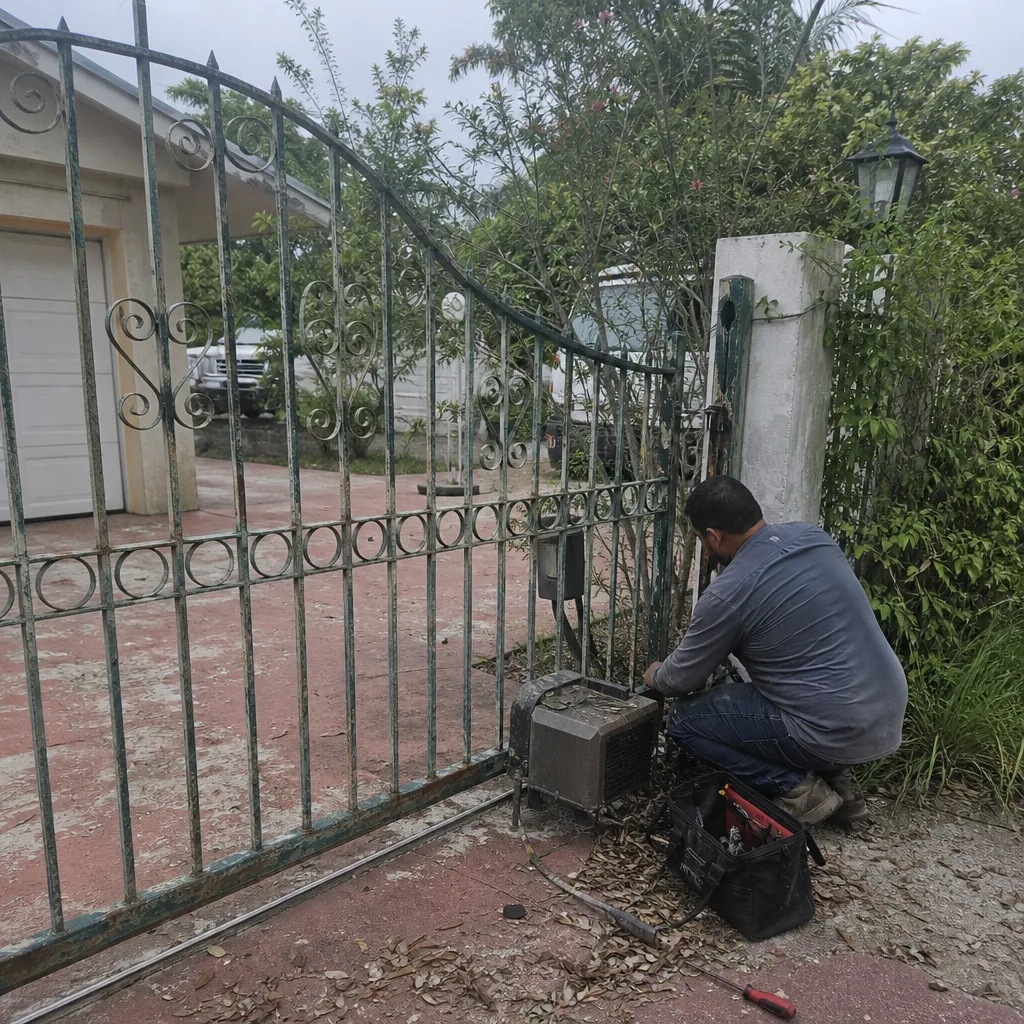 Before
 After
After Before
 After
After Before
 After
After